Creating a productive home office space can greatly impact your efficiency and comfort while working from home. Whether you’re setting up a new workspace or improving an existing one, having the right environment helps maintain focus and separates work life from personal time. Here are some practical tips to design a productive home office that suits your needs.
Choose the Right Location
Selecting the right spot in your home is the first step. Ideally, find a quiet area with minimal distractions. A spare room, a corner in a less-trafficked area, or even a section of your bedroom can work well if properly arranged.
– Natural light: Aim for a space with good natural lighting as it boosts mood and energy.
– Away from noise: Avoid areas near noisy appliances or high-traffic zones.
– Ventilation: Ensure the area has fresh air to keep you comfortable throughout the day.
Invest in Ergonomic Furniture
Comfort is key to maintaining focus for long hours. Ergonomic furniture supports good posture and reduces strain.
– Ergonomic chair: Choose a chair that supports your back and allows your feet to rest flat on the floor.
– Desk height: Your desk should allow your elbows to rest comfortably at about a 90-degree angle.
– Adjustable options: Consider adjustable desks or chairs for added flexibility.
Optimize Your Desk Setup
How your desk is organized can influence your productivity.
– Declutter: Keep your desk clean and only have items you use regularly within reach.
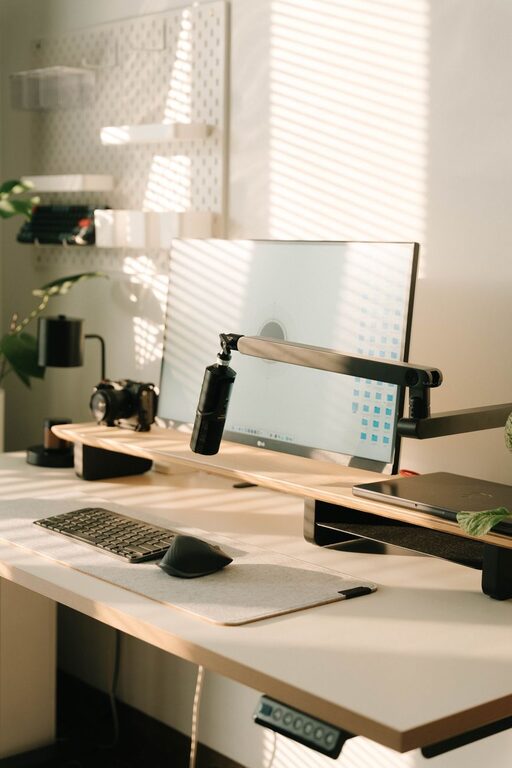
– Monitor placement: Position your monitor at eye level, about 20-30 inches away, to reduce neck strain.
– Keyboard and mouse: Keep these close enough to avoid overreaching, and use ergonomic models if possible.
Use Proper Lighting
Good lighting reduces eye strain and keeps you alert.
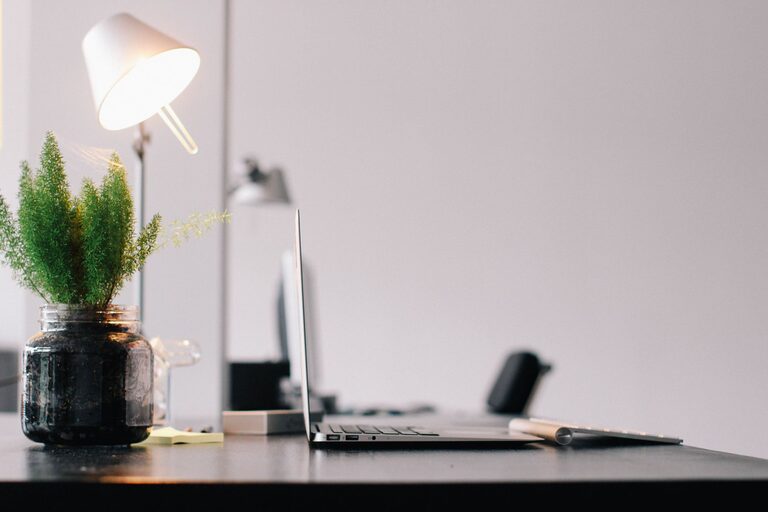
– Task lighting: Use a desk lamp with adjustable brightness for detailed work.
– Avoid glare: Position your screen to minimize glare from windows or overhead lights.
– Warm vs cool light: Choose lighting that suits your preference, but cooler light can help with concentration.
Incorporate Storage Solutions
Organized storage can keep your workspace tidy and help you find things faster.
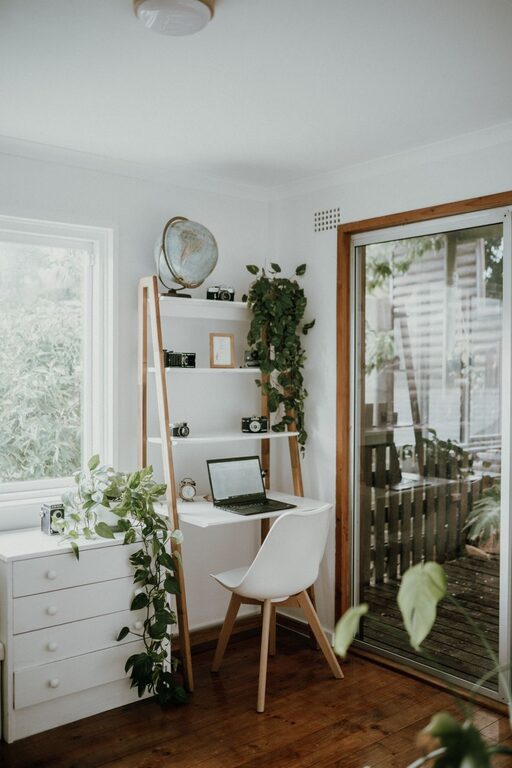
– Shelves and drawers: Use shelves or drawer units to store papers, supplies, and tech accessories.
– Boxes and organizers: Desk organizers or boxes can separate smaller items like pens and cables.
– Labeling: Label storage for easy identification and to maintain order.
Personalize Your Workspace
Adding personal touches makes your home office enjoyable and inviting.
– Plants: Indoor plants can improve air quality and add a refreshing touch.
– Decor: Choose artwork or photos that inspire or calm you.
– Colors: Select colors that boost your mood; blues and greens often promote focus and relaxation.
Minimize Distractions
To stay productive, reduce distractions as much as possible.
– Technology management: Turn off non-essential notifications and consider apps that limit social media use.
– Noise control: Use noise-canceling headphones or white noise machines if ambient noise is an issue.
– Clear boundaries: Communicate your work hours to family or roommates to minimize interruptions.
Establish a Routine and Break Space
Design your workspace to support healthy work habits.
– Dedicated break area: If space allows, create a separate spot for short breaks to step away from work.
– Routine cues: Set specific work hours and use physical cues like opening or closing blinds to signal start and end times.
– Movement: Incorporate stretching or short walks to keep energy levels up.
Ensure Reliable Technology and Connectivity
Good technology is essential to avoid disruptions.
– Fast internet: Use a wired connection if possible for stable internet.
– Backup options: Have backup devices or chargers handy.
– Cable management: Organize cables to prevent tangling and keep your desk neat.
Regularly Reassess and Adjust
Your needs may change over time, so revisit your setup periodically.
– Comfort check: Adjust your chair and desk settings as necessary.
– Declutter: Regularly clean and organize your workspace.
– Update equipment: Replace outdated or malfunctioning tech or furniture to maintain efficiency.
—
By thoughtfully setting up your home office space, you create an environment that supports productivity, comfort, and well-being. Use these tips to tailor your workspace to fit your individual work style, and you’ll likely find a positive difference in your focus and work satisfaction.